Traceable audits.
Inspecta isn't just for safety. It works in any area where a check repeats and you need to prove who did it, when, what they found and what happened next.
Summary
Traceability of an inspection means being able to rebuild it later: who did it, when, where, what they answered, with what evidence and which actions came out of it. In Inspecta all of that is stored with every inspection, along with its PDF report and its history.
- History
- Every point keeps its earlier inspections.
- Evidence
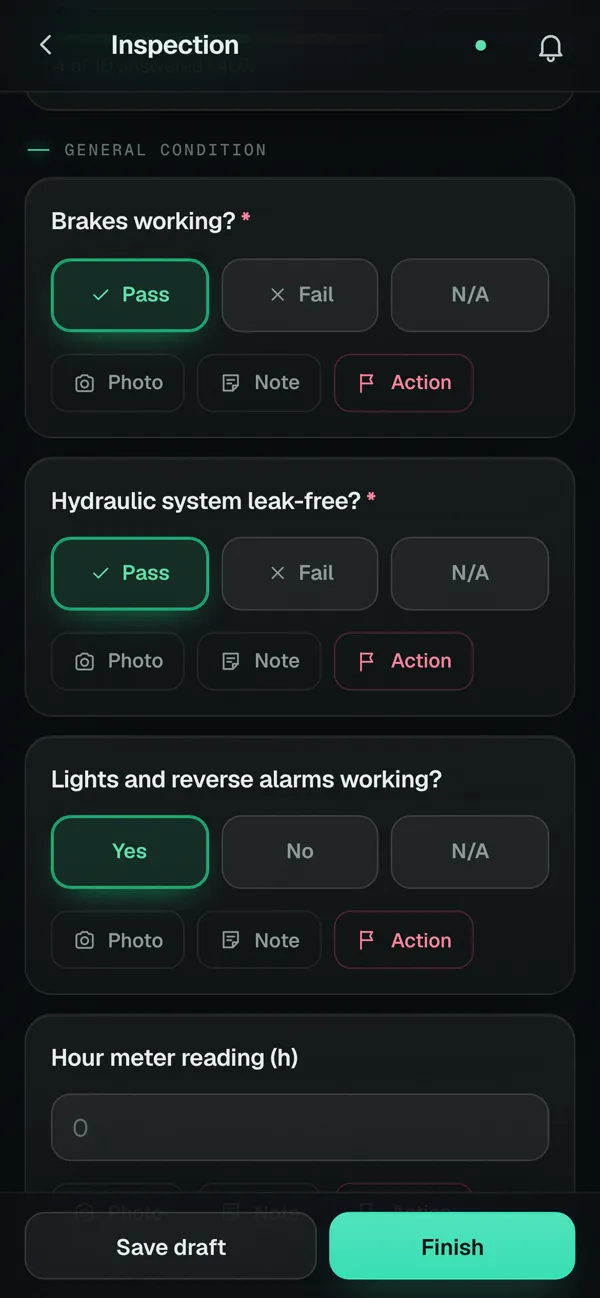
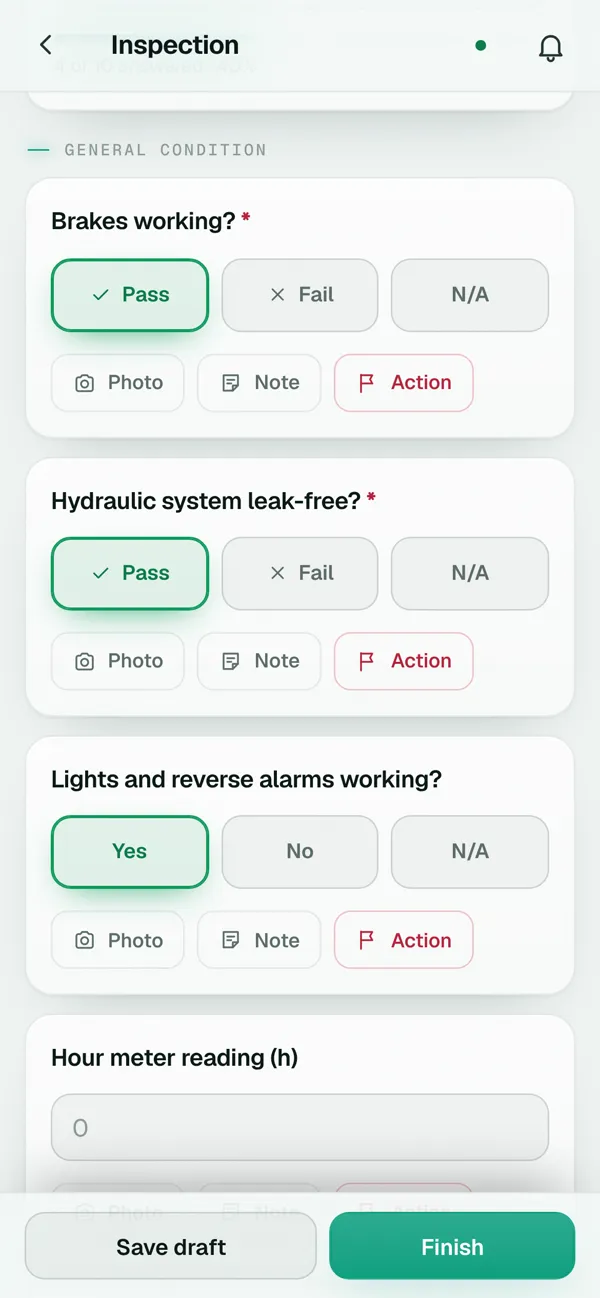
- Photos, notes and signatures inside every answer.
- Retention
- 4 years in the cloud and JSON backup.
- Standards
- You build the checklist with the points of your procedure.
For any area
A few examples of checklists you can build. Inspecta doesn't come with preloaded standards or certify compliance: you define the questions.
- Safety and HSE
- Safety walks, personal protective equipment, fire extinguishers, emergency equipment and work permits.
- Quality
- Process checks, finished product control and internal quality audits.
- Maintenance
- Preventive routines for machinery, equipment and facilities, with the date of the next check.
- Food safety
- Good manufacturing practices, cleaning and sanitation, and temperature logs.
- Environment
- Waste handling, spills, chemical storage and water and energy use.
- Fleet and transport
- Pre-use checks of vehicles, forklifts and mobile equipment before every shift.
- Warehouse and logistics
- Housekeeping, racking, goods receiving and dispatch.
- Facilities and cleaning
- Buildings, restrooms, common areas and general services.
- Supplier audits
- Visits with your own checklist, photo evidence and findings with follow-up.
What gets recorded
Who.
The inspector who did it and the signatures of everyone involved.
When.
The inspection date, the next one based on its frequency and the history of earlier ones.
Where.
The site or equipment inspected and the GPS or typed location.
What.
Every answer with its notes and photos, in the PDF report.
What next.
The corrective actions for each finding, with owner, due date and status.
History, one click away
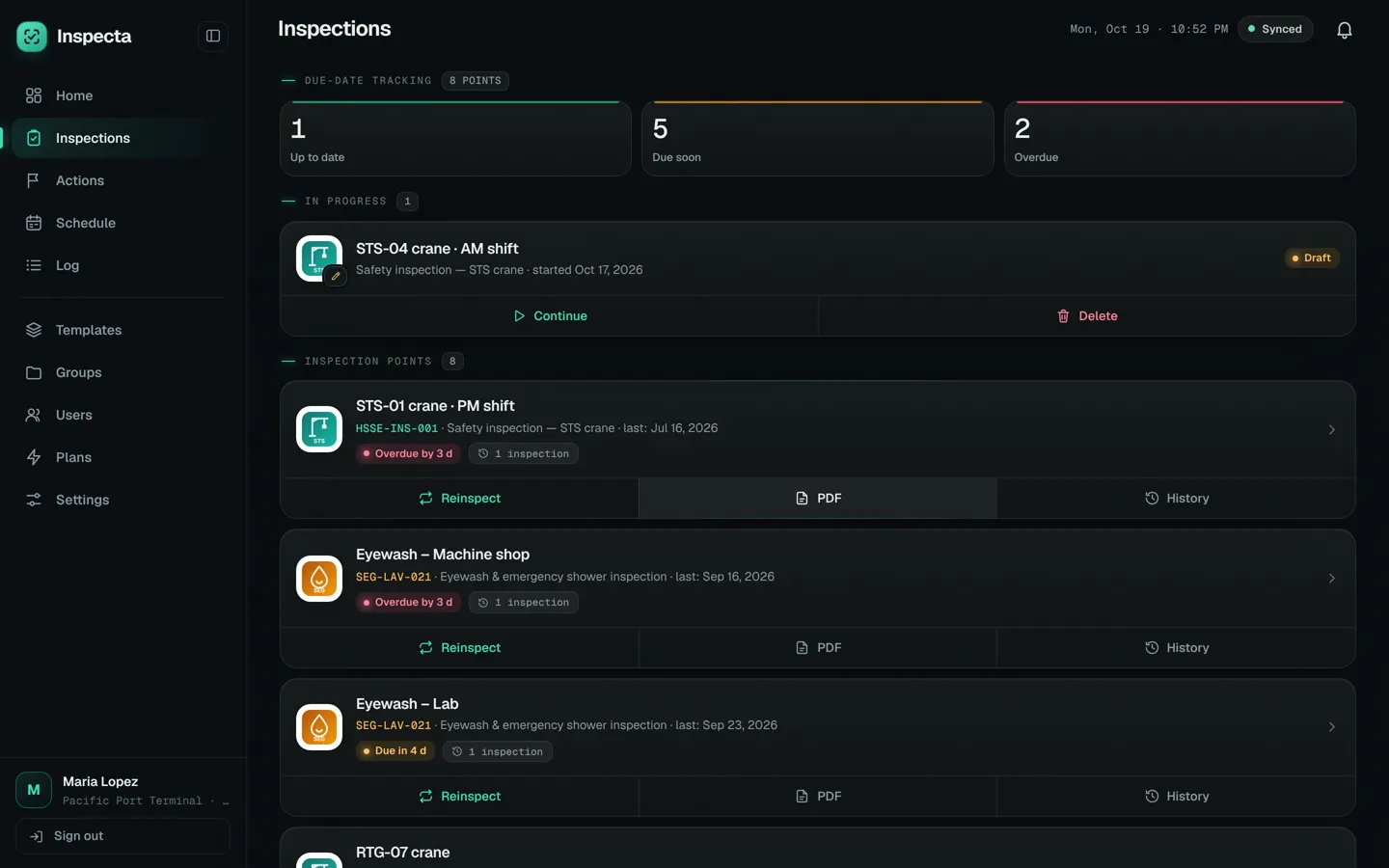
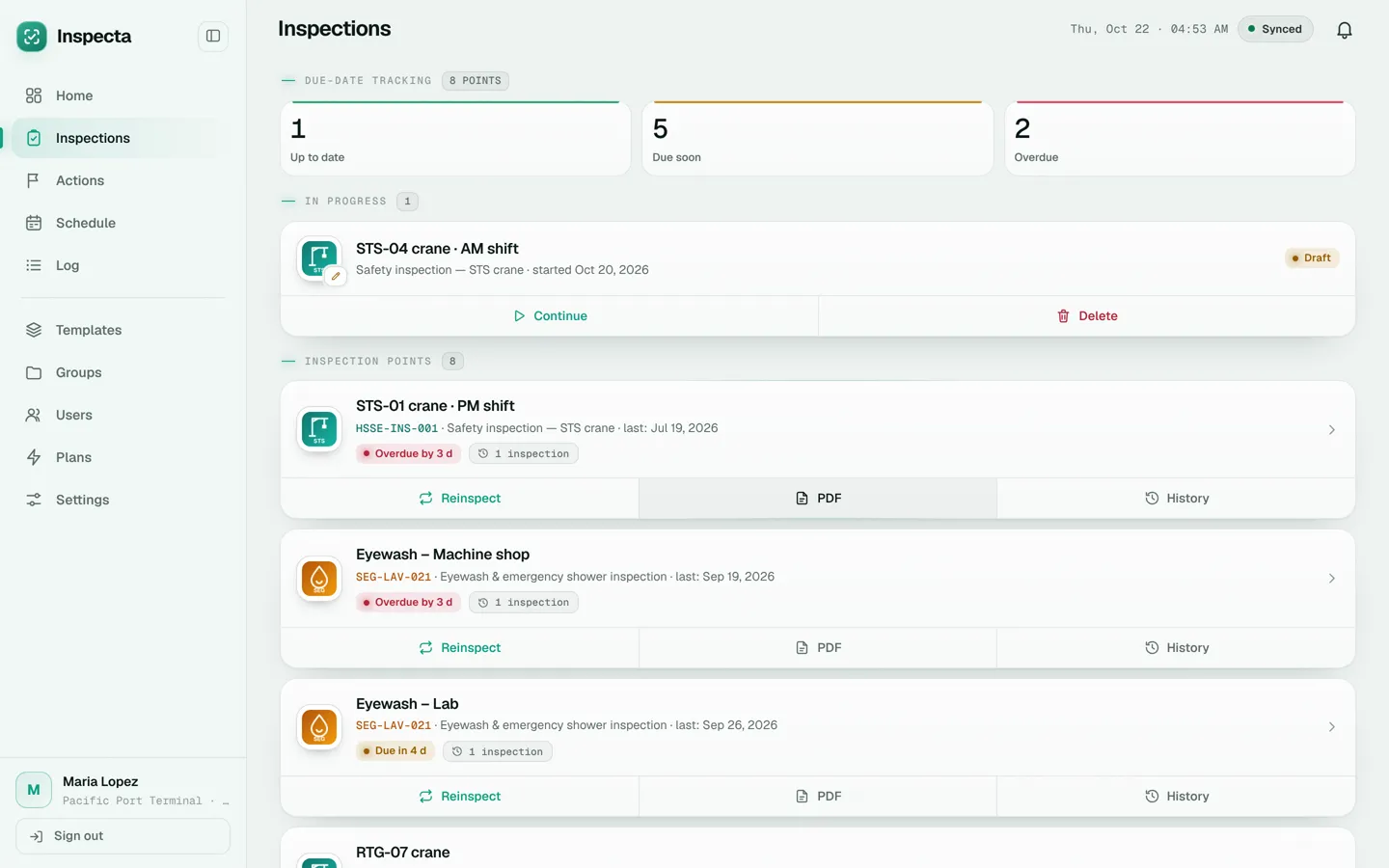
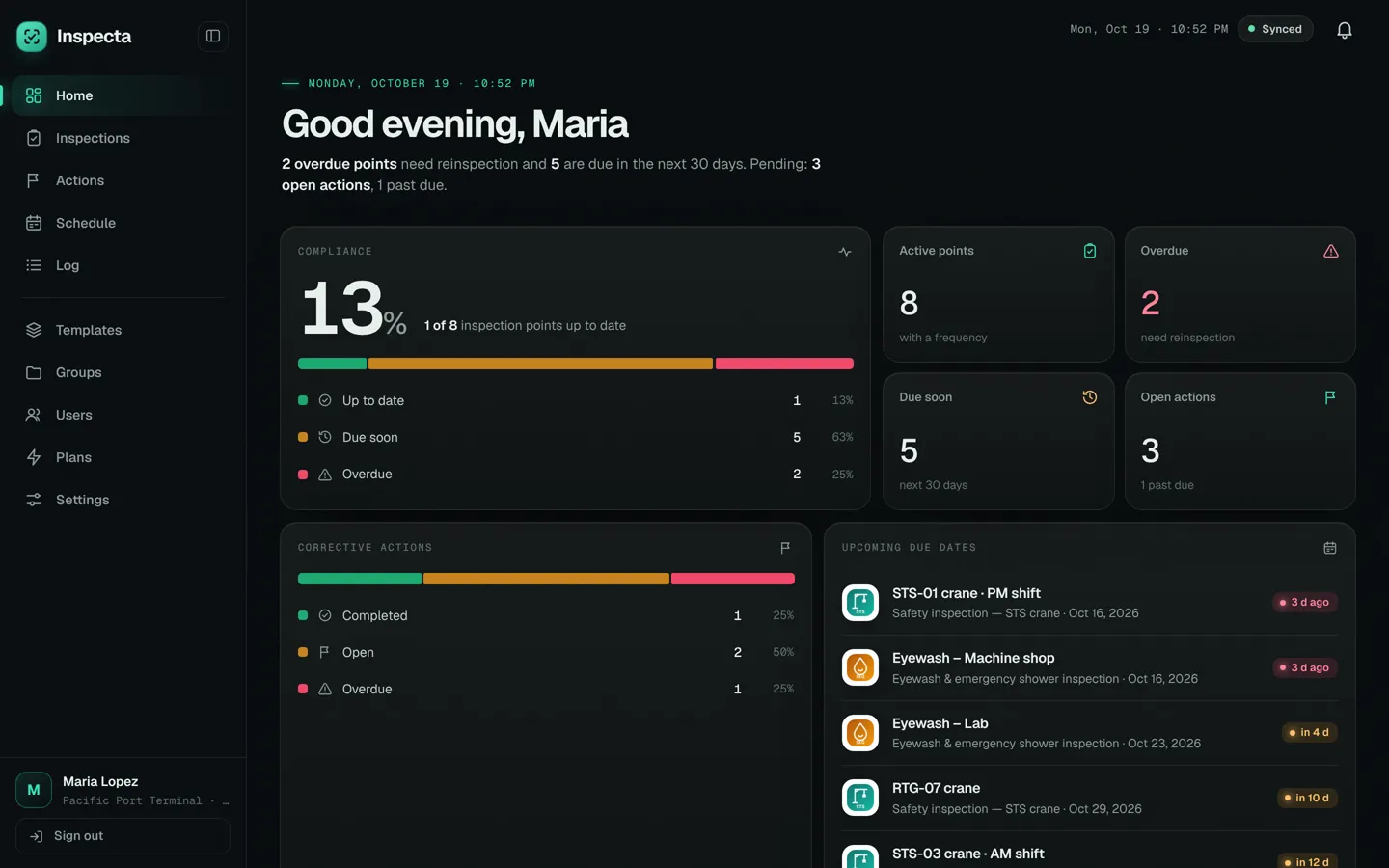
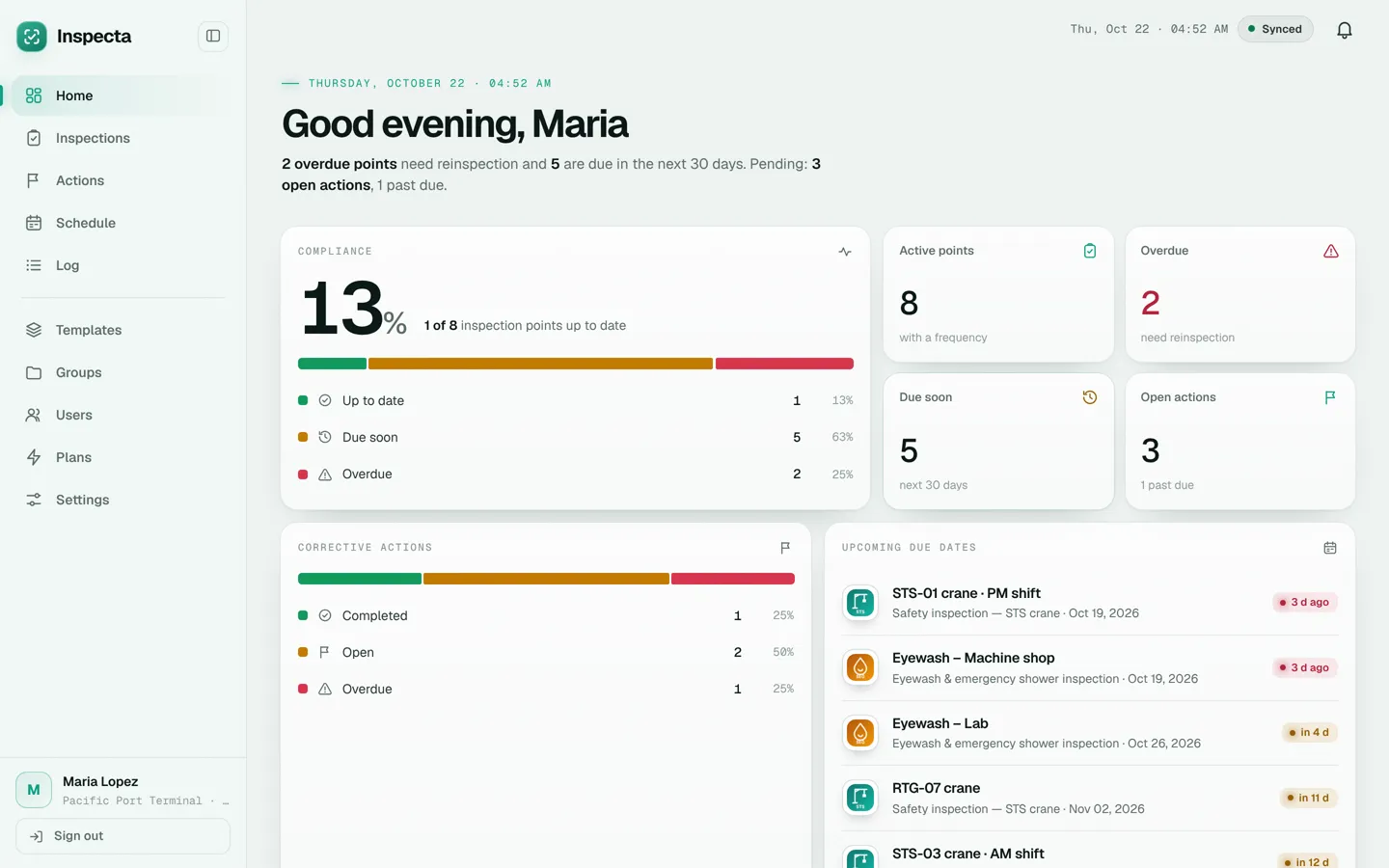
Every point with its history.
In Inspections every piece of equipment or area shows its last inspection, due date, PDF and the history of earlier ones, so you can answer an audit without digging through paper.
Several areas, one account.
Organize templates in groups (Safety, Quality, Maintenance or by client) and filter inspections and actions by month and year.
Frequently asked questions
Is Inspecta only for industrial safety?
No. It works for any inspection or audit done with a checklist: quality, maintenance, food safety, environment, fleet, warehouse, facilities or supplier audits.
Does it include checklists for standards such as ISO or GMP?
It doesn't include preloaded standards. Every account comes with 2 sample checklists and you build your own with the points of your procedure. Inspecta does not certify compliance with any standard.
Can I use Inspecta for several areas at once?
Yes. Templates are organized in groups by area, process or client, and the same team can inspect with any of them.
How long is the history kept?
Inspections are kept in the cloud for 4 years, with their photos. You can export a JSON backup whenever you like.
Start inspecting today.
Create a free accountCreate your admin account, get 2 sample checklists and 20 days with every feature. No credit card.