Digital checklists.
Your paper checklist, on your phone: type the subject and AI builds it, or create it yourself as a template. Your team fills it in in the field and every inspection is saved with its PDF report.
Summary
A digital checklist is a checklist filled in on a device instead of on paper. In Inspecta every checklist is a template: you define the questions once and every inspection keeps the answers, photos, signature, date and inspector.
- Question types
- 10, from Pass/Fail to signature.
- Header
- 8 fields you turn on per template.
- With AI
- 3 a day on the trial, 10 on Pro and 25 on Advanced.
- To get started
- 2 sample checklists in every new account.
- Limits
- 3 checklists on the trial, 15 on Pro, unlimited on Advanced.
Build it with AI.
Type the checklist subject, add details if you want and choose short, medium or full. AI builds the sections and questions with the app's question types; the draft opens in the editor so you can review it, adjust it and save it. Try a subject:
Create checklist with AI
Checklist subject
Details
Size
Your checklist appears here.Generating checklist…Draft ready: 3 sections · 8 questions
Before starting
- Forks free of cracks and bends?Pass / Fail
- Tire conditionGood · Fair · Poor
- No hydraulic oil leaks?Pass / Fail
Operation
- Service and parking brakes working?Pass / Fail
- Horn and reverse alarm working?Pass / Fail
- Hour meter (h)Number
Wrap-up
- General observationsLong text
- Operator signatureSignature
Your checklist appears here.Generating checklist…Draft ready: 3 sections · 8 questions
Storage
- Walk-in cooler temperature (°C)Number
- Food labeled with dates?Pass / Fail
- Raw food kept apart from cooked?Pass / Fail
Hygiene
- Handwash sink with soap and towels?Pass / Fail
- Staff in hairnets and clean uniforms?Pass / Fail
- Surface cleanlinessGood · Fair · Poor
Wrap-up
- General observationsLong text
- Manager signatureSignature
Your checklist appears here.Generating checklist…Draft ready: 3 sections · 8 questions
Location
- Visible, signposted and unobstructed?Pass / Fail
- Mounted at the right height?Pass / Fail
Condition
- Gauge in the green zone?Pass / Fail
- Pin and tamper seal intact?Pass / Fail
- Hose and nozzle in good condition?Pass / Fail
- Recharge due dateDate
Wrap-up
- General observationsLong text
- Signature of the person in chargeSignature
Your checklist appears here.Generating checklist…Draft ready: 3 sections · 8 questions
Aisles
- Aisles clear and marked?Pass / Fail
- Order and cleanlinessGood · Fair · Poor
Racking
- Racks anchored and undamaged?Pass / Fail
- Maximum load labeled?Yes / No / N/A
- Chemicals with their safety data sheet?Pass / Fail
- Fire extinguisher accessible?Pass / Fail
Wrap-up
- General observationsLong text
- Signature of the person in chargeSignature
Ten question types
Any question can be required and carry a photo, note or corrective action:
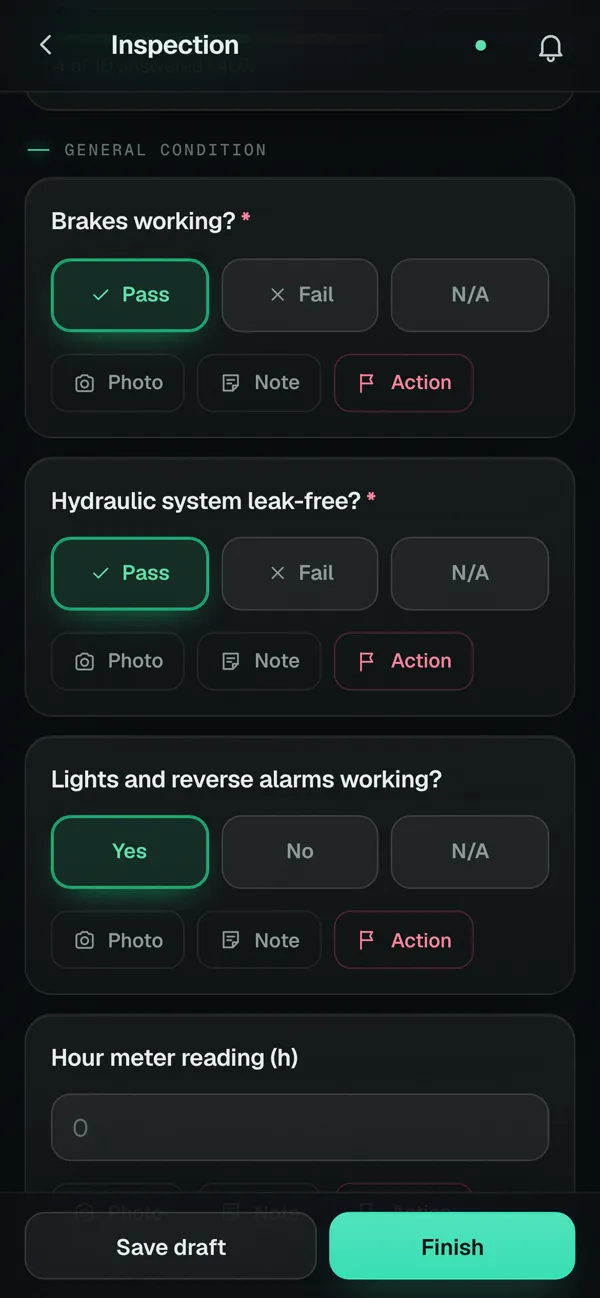
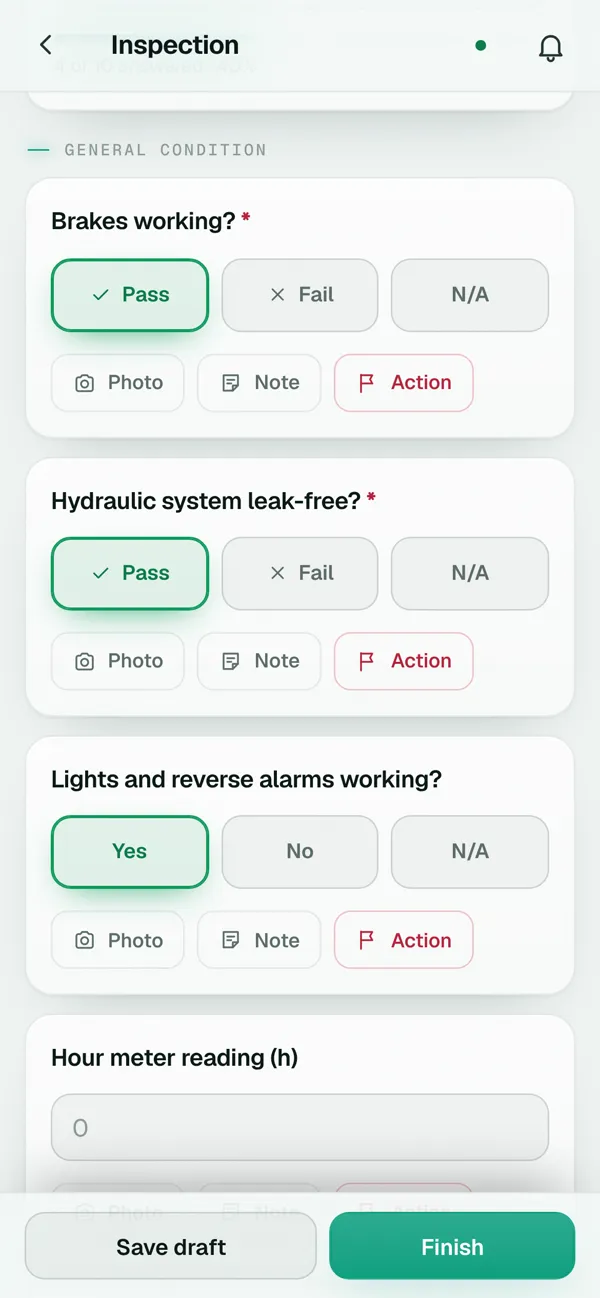
- Pass / Fail
- For points that pass or fail, with N/A when they don't apply.
- Yes / No / N/A
- For direct questions about the state of something.
- Checkbox (done)
- For tasks you tick off as done.
- Short and long text
- For remarks, serial numbers or descriptions.
- Number
- For readings such as hour meter, pressure or temperature.
- Dropdown
- To choose between options you define.
- Date
- For expiry dates, refills or last check.
- Photos
- For evidence; photos are compressed so the inspection stays light.
- Signature
- So the inspector or the person in charge signs on the screen.
The header of every inspection
The usual details, already in place.
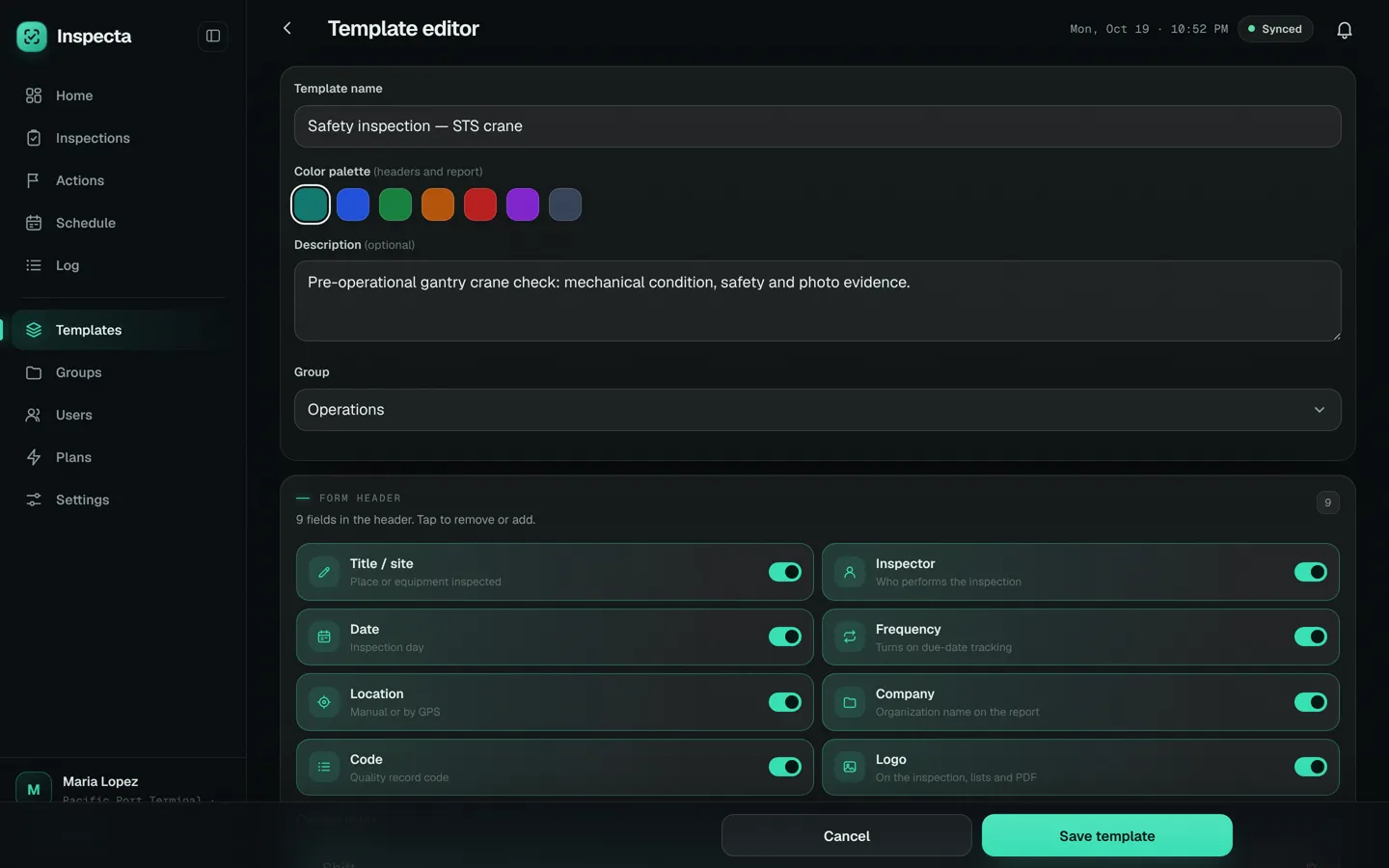
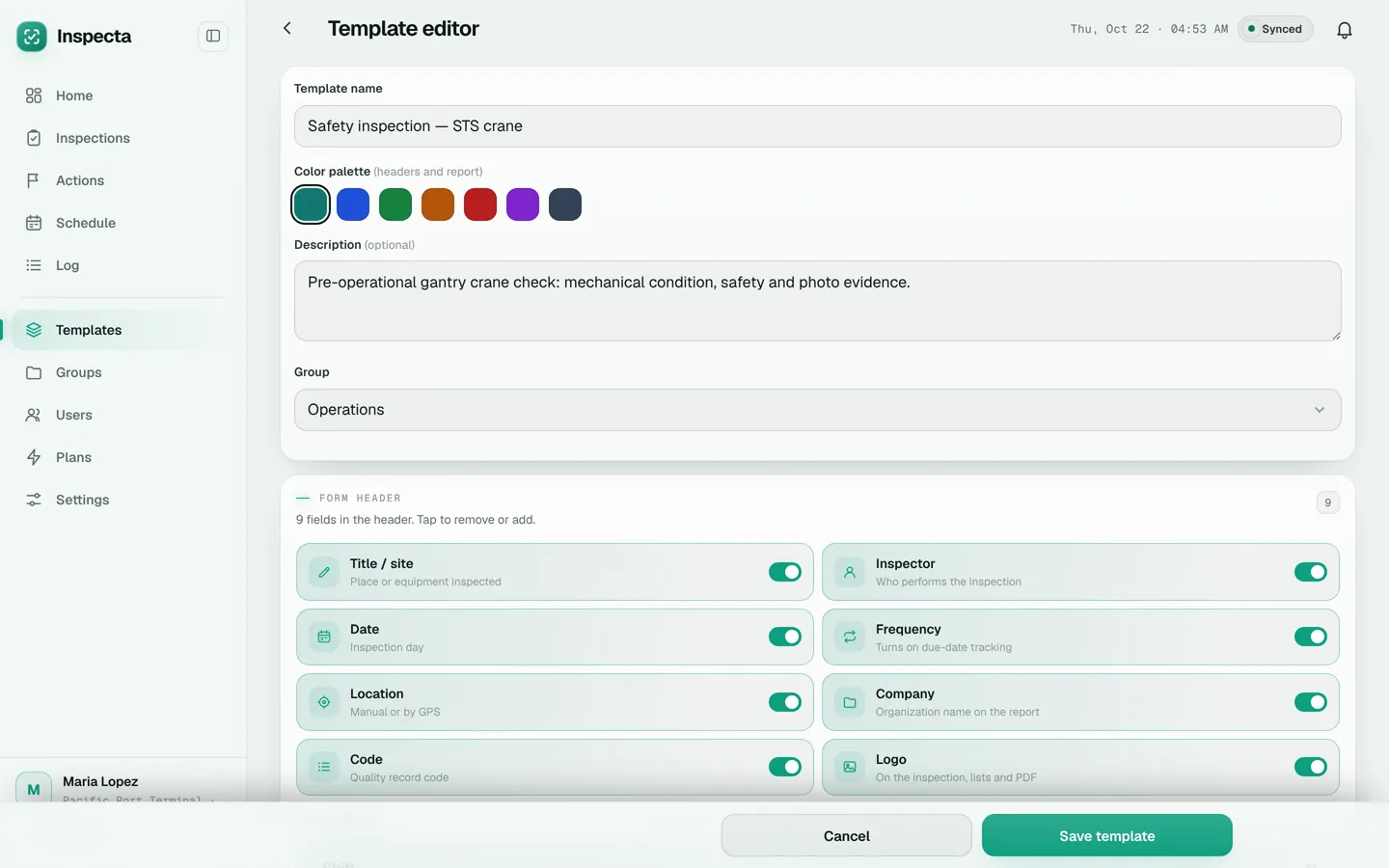
Turn on the fields each template needs: title or site, inspector, date, frequency, GPS or typed location, company, quality record code and logo. The header looks the same in the app and in the PDF.
Organized in groups.
Group templates by area, process or client, for example Safety, Operations or Maintenance, so every inspector finds theirs fast.
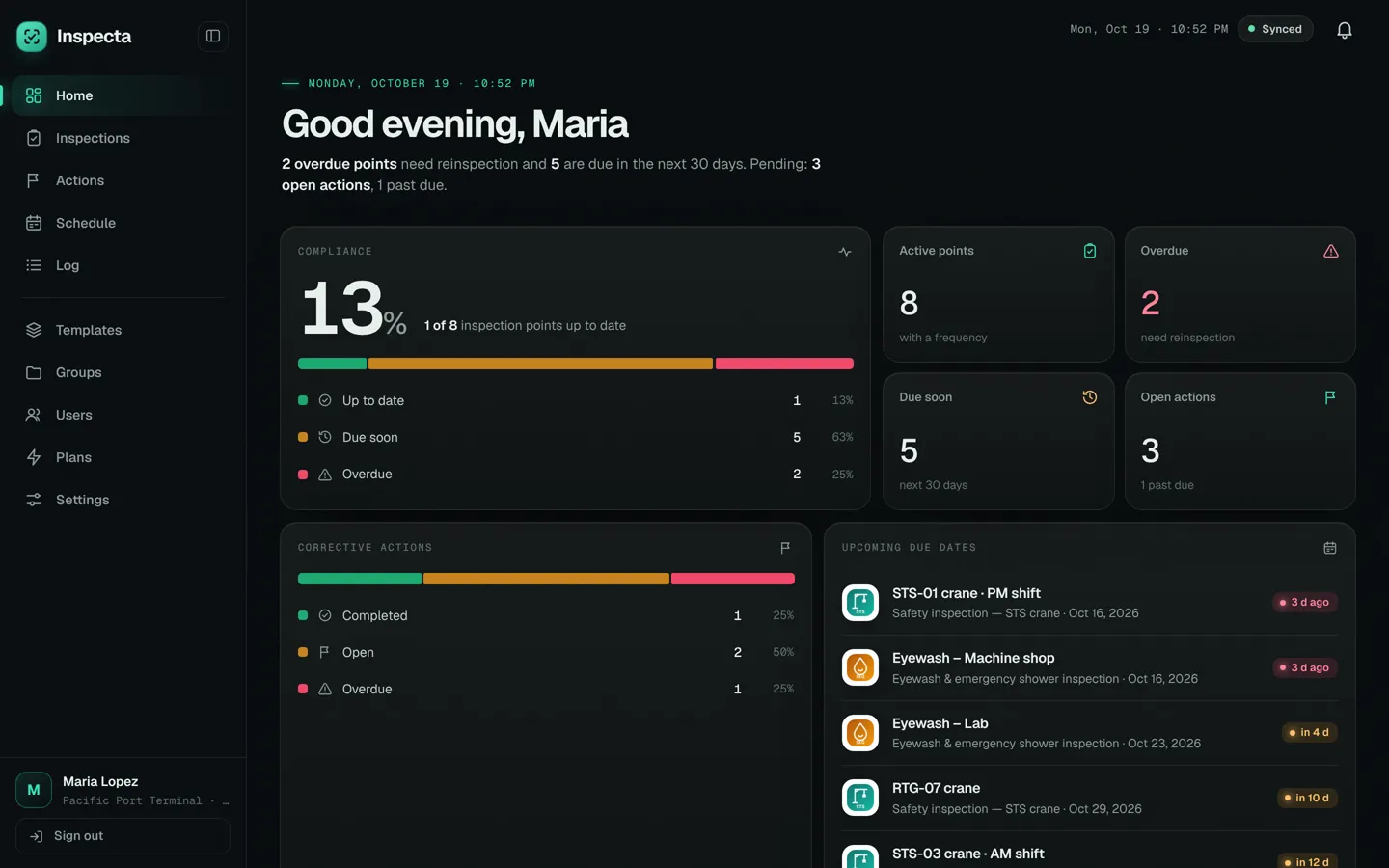
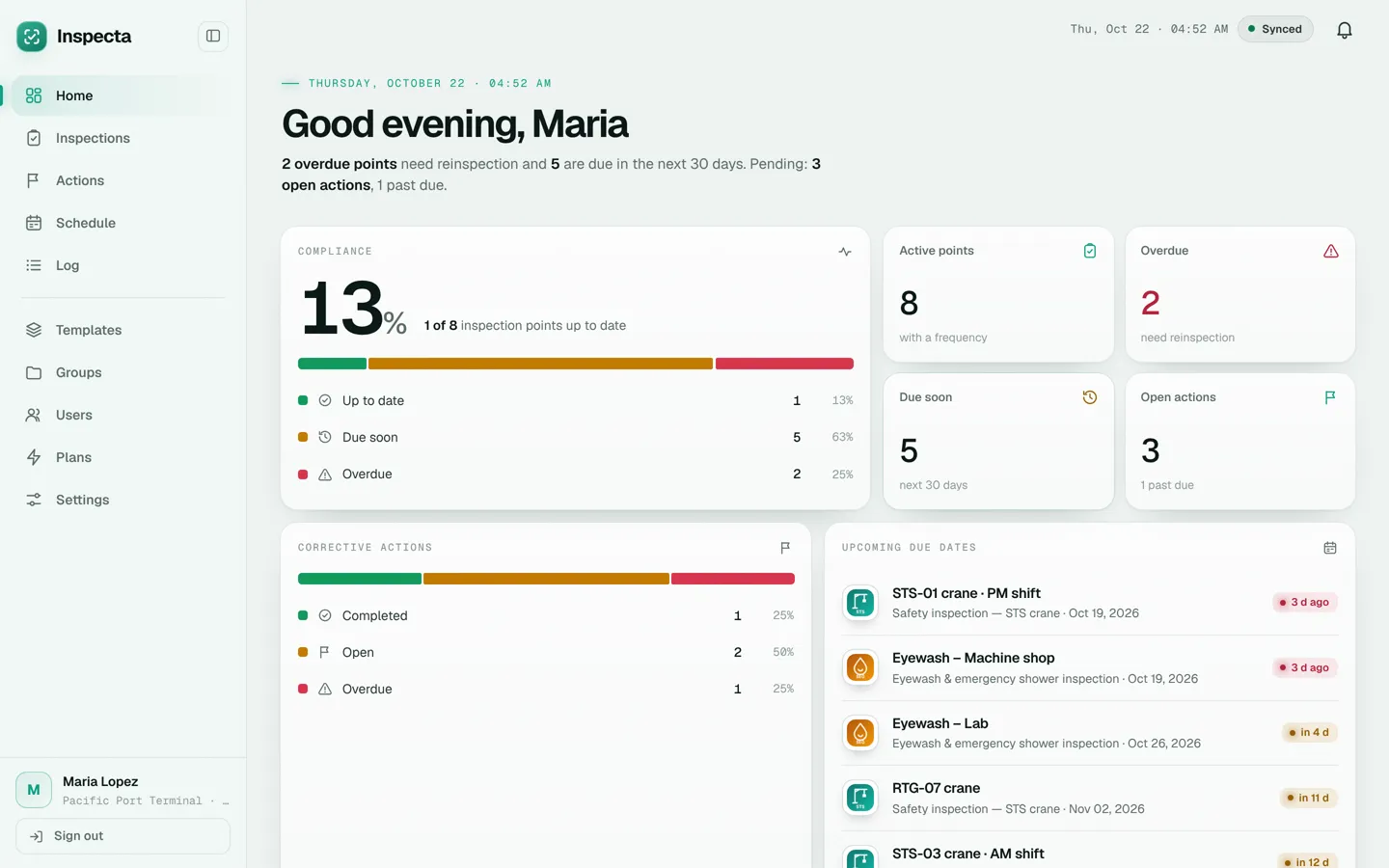
Samples in every account
Safety inspection of an STS crane.
Brakes, hydraulic system, lights and alarms, hour meter, fire extinguisher, housekeeping, photo report and two signatures. Code HSSE-INS-001.
Eyewash stations and emergency showers.
Water flow, signage, obstructions, continuous flow time, photo report and signatures. Code SEG-LAV-021.
Edit the samples or start from scratch.
They are regular templates: change questions, add sections or delete them once you have your own.
Frequently asked questions
Can I move my Excel or paper checklists to Inspecta?
Yes, by building the template in the editor: copy the questions, choose each answer type and turn on the header fields. There is no automatic import from Excel.
Can AI build the checklist for me?
Yes. In Templates, tap “Create checklist with AI”, type the subject (for example, “Monthly fire extinguisher check”) and AI builds the sections and questions. It opens as a draft in the editor: you review it, change what you need and save it. It only counts as another checklist on your plan once you save it.
Can inspectors change the templates?
No. Admins create and edit templates; inspectors only use them to run inspections.
Can a checklist be filled in offline?
Yes. The checklist opens, gets answered and is finished without signal; it syncs when the connection is back.
How many checklists can I have?
Up to 3 during the free trial, up to 15 on Pro and unlimited on Advanced.
Start inspecting today.
Create a free accountCreate your admin account, get 2 sample checklists and 20 days with every feature. No credit card.